












Understand FPS Before Choosing Your Gaming Phone
Learn the practical difference between 60 FPS, 90 FPS and 120 FPS—and discover why display refresh rate, game support, temperature and software all affect your real gaming experience.
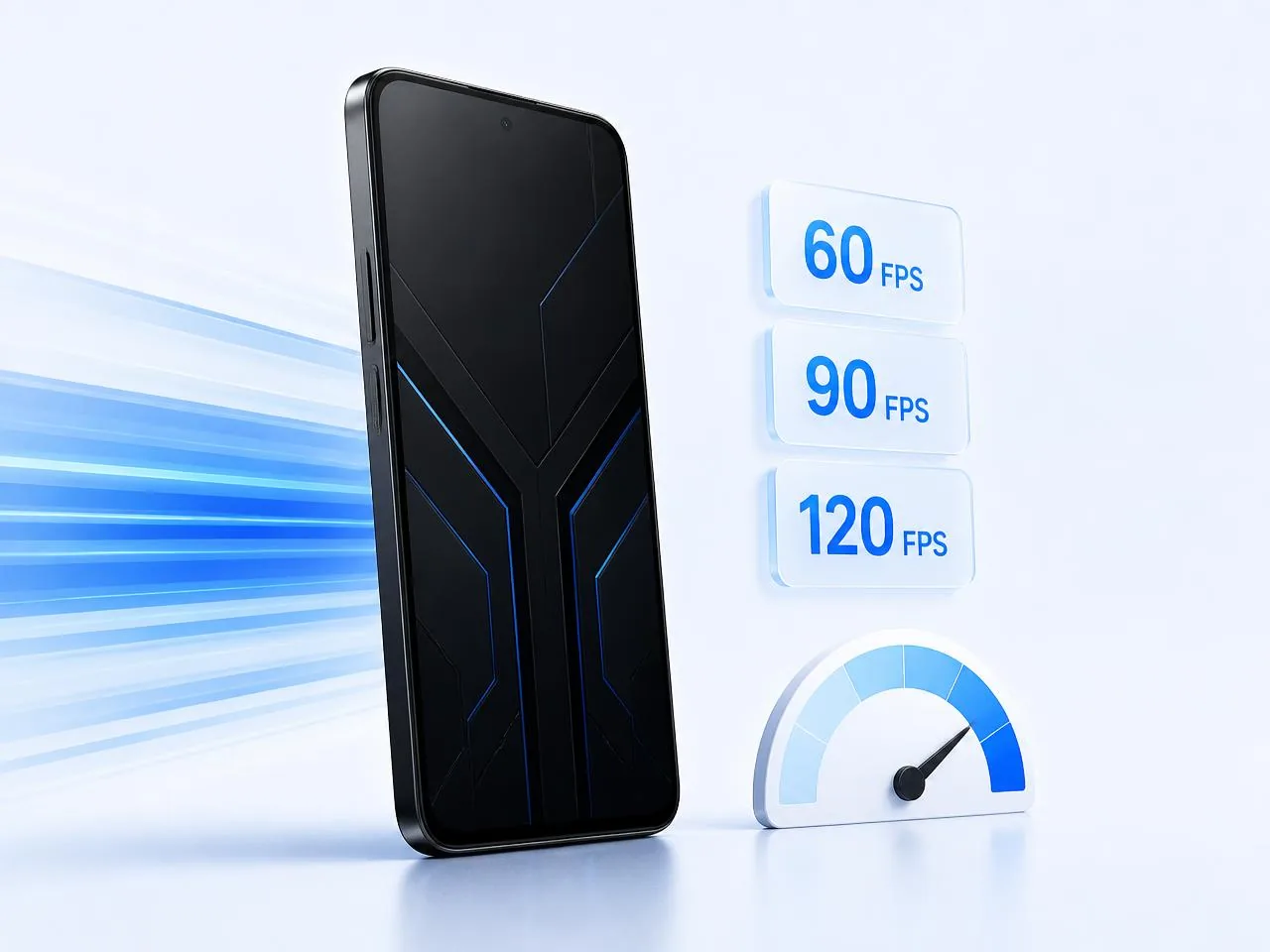
What Does Frames Per Second Mean?
FPS stands for Frames Per Second. It represents how many individual frames a game renders in one second. A higher and more stable frame rate can make movement appear smoother and controls feel more responsive.
30 FPS
Basic motion
60 FPS
Smooth gaming
90 FPS
More responsive motion
120 FPS
High-refresh competitive experience
The bars above are illustrative only and are not measured benchmark results. Higher FPS is useful only when the phone, display and game all support it consistently.
30, 60, 90 and 120 FPS Compared
Each level is identified by its text label as well as its accent colour, so the comparison stays readable for everyone.
30 FPS
Suitable for casual play and graphically demanding games where visual quality is prioritized over maximum smoothness.
- Lower power demand
- Less heat in many situations
- Basic motion smoothness
- Common on entry-level devices
60 FPS
A strong balance between smooth gameplay, visual quality, battery consumption and device temperature.
- Noticeably smoother than 30 FPS
- Widely supported
- Suitable for casual and competitive players
- Generally more battery-efficient than 90 or 120 FPS
90 FPS
Provides more responsive motion than 60 FPS when the exact phone and game combination officially supports it.
- Smoother camera movement
- Reduced perceived motion delay
- Increased hardware and battery demand
- Requires compatible game settings
120 FPS
Designed for supported competitive games and powerful devices capable of maintaining a high frame rate under suitable conditions.
- Very smooth supported gameplay
- Higher processor and GPU load
- More heat and battery consumption
- Greater risk of performance reduction during long sessions
Important disclaimer: These descriptions are general. Actual results vary according to the exact device, game, settings, software and testing conditions.
FPS and Screen Refresh Rate Are Not the Same
FPS — Frames Per Second
FPS is produced by the game and the device’s processor or GPU. It describes how many frames the game renders per second.
- 60 FPS
- 90 FPS
- 120 FPS
Refresh Rate — Hertz (Hz)
Refresh rate is the number of times the display can refresh its image each second. It is measured in Hertz.
- 60Hz
- 90Hz
- 120Hz
- 144Hz
- 165Hz
A 120Hz display can show up to 120 refreshed images per second, but a game running at 60 FPS still produces only approximately 60 unique rendered frames per second. A high-refresh screen alone does not create extra game frames.
60 FPS on a 60Hz display
Matched basic experience. The game output and the display capability are aligned.
60 FPS on a 120Hz display
The display is faster, but the game output remains approximately 60 unique rendered frames per second.
120 FPS on a 120Hz display
A full high-refresh experience — but only when the mode is officially supported and stays stable.
Native Frames and Generated Frames
Native FPS
Frames rendered directly by the game engine and device hardware. Native FPS is the clearest basis for comparing supported game performance.
- Rendered by the game engine
- Depends on chipset, GPU and game support
- Used as the reference for comparisons
Frame Interpolation
Additional frames generated through software or dedicated processing to make motion appear smoother. This can improve perceived fluidity but is not identical to native rendering.
- Frames generated after rendering
- Can improve perceived smoothness
- Not equivalent to native frames
57 Reflex labels native FPS and interpolated or enhanced FPS separately whenever this information is known. Interpolated 120 FPS is never advertised as native 120 FPS.
Why the Same Game Performs Differently Across Phones
1. Processor and GPU
The chipset and graphics processor perform game calculations and render frames.
2. Game Optimization
Developers can enable or restrict FPS options for individual phone models.
3. Graphics Settings
Higher graphics quality can reduce achievable frame rate.
4. Device Temperature
Excessive heat may reduce processor speed through thermal throttling.
5. Cooling System
A larger internal cooling system can help sustain performance for longer sessions.
6. Battery and Power Mode
Battery saver, low battery and power-management settings can limit performance.
7. RAM and Storage
Adequate RAM and fast storage support loading and multitasking, but more RAM does not automatically unlock higher FPS.
8. Software and Game Version
Updates can improve, reduce, enable or disable FPS options.
A Stable Frame Rate Matters More Than a Short Peak
A device may briefly reach a high FPS value but reduce performance after heating up. Competitive gamers should consider stability during a complete gaming session rather than a short maximum reading.
Average FPS
The average frame rate maintained during the test period.
Frame Drops
Sudden reductions that can cause stutter or inconsistent control response.
Thermal Stability
How well the phone maintains performance as temperature increases.
FPS testing should include the duration, game version, graphics settings, room conditions and whether an external cooler was used.
FPS Is Important—but It Is Not Everything
Touch Sampling Rate
How frequently the display checks for touch input. It can affect responsiveness but should not be confused with refresh rate.
Display Resolution
Higher resolution can improve clarity but may increase graphics workload.
Cooling System
Helps manage heat during longer gaming sessions.
Battery Capacity
Affects potential play time, although software efficiency and brightness also matter.
Charging Technology
Fast charging reduces charging time, but heat management while charging remains important.
Network Performance
Stable Wi-Fi or mobile data is essential for online games. FPS cannot fix network latency or high ping.
Which FPS Level Is Right for You?
Casual Player
Best for
- Casual gaming
- Story games
- Lower budget
- Better battery balance
Regular Mobile Gamer
Best for
- PUBG Mobile
- Call of Duty Mobile
- Everyday gaming
- Balanced performance
Competitive Player
Best for
- Faster camera movement
- Competitive matches
- Responsive controls
- Mid-to-high budget
Performance Enthusiast
Best for
- High-refresh gaming
- Powerful flagship devices
- External cooling setups
- Users prioritizing performance over battery efficiency
The right choice depends on your game, budget, graphics preference, PTA requirement and expected session length.
Understanding a 57 Reflex FPS Claim
An FPS number only means something when the test conditions are recorded. If the website displays an FPS badge, it should refer to a verified supported mode, an identified game or test context, and the correct product or variation.
A credible FPS test should record
- Exact phone model
- Hardware or regional variant
- RAM and storage
- Operating-system version
- Game name
- Game version
- Graphics preset
- FPS option selected
- Test duration
- Starting battery level
- Performance mode
- External cooler usage
- Approximate temperature
- Average FPS
- Major frame drops
- Final observations
Critical rule: one device’s test result is never applied to every variant of the same product family. Regional variants, RAM/storage versions and software builds can behave differently.
Explore Gaming Phones by FPS
These links use the store’s verified Gaming Performance attribute. A high-refresh display alone never places a phone in an FPS group.
60 FPS Gaming Phones
Explore phones suited to supported smooth 60 FPS gaming.
90 FPS Gaming Phones
Explore devices with verified or officially supported 90 FPS gaming options.
120 FPS Gaming Phones
No device currently in stock carries a verified native 120 FPS test record, so we do not link an empty category here. Message us and we will confirm which available phone supports native 120 FPS in your game.
FPS groups describe game-specific supported modes confirmed for an exact model — not a guarantee for every game, version or regional variant. Browse everything in Gaming Phones.
Find a Gaming Phone That Matches Your Budget
Select your maximum budget, preferred FPS, brand, PTA status, RAM and storage to explore suitable available phones.
FPS Frequently Asked Questions
Does a 120Hz display mean the phone can run every game at 120 FPS?
No. The game, device hardware, software and developer support must all allow 120 FPS.
Is 90 FPS much better than 60 FPS?
90 FPS can feel smoother and more responsive, particularly in fast competitive games, but it also increases hardware and battery demand.
Does more RAM increase FPS?
Adequate RAM supports game stability and multitasking, but additional RAM alone does not guarantee a higher frame rate.
Why does FPS drop after playing for some time?
Heat, battery level, power management and sustained processor load can reduce performance during longer sessions.
Can a cooling fan increase FPS?
A cooler may help reduce heat and maintain performance, but it cannot automatically unlock an unsupported native FPS option.
What is native 120 FPS?
Native 120 FPS means the game and device render approximately 120 original frames per second without relying primarily on generated intermediate frames.
Is 120 FPS better for battery life?
Generally, higher frame rates require more processing power and can consume more battery than lower FPS modes.
Does lowering graphics improve FPS?
In many games, reducing graphics quality can help the device maintain a higher or more stable frame rate, but results vary.
Can game updates change FPS support?
Yes. Game or system updates can enable, limit or change FPS options for specific devices.
How can I confirm FPS before buying?
Request the exact phone model, game name, settings and current test or official support information through 57 Reflex WhatsApp.
Not Sure Whether You Need 60, 90 or 120 FPS?
Share your preferred games, budget, PTA requirement and performance expectations. The 57 Reflex team will help you compare suitable available options.
Game-specific guidance • Verified specifications • Budget-friendly options